


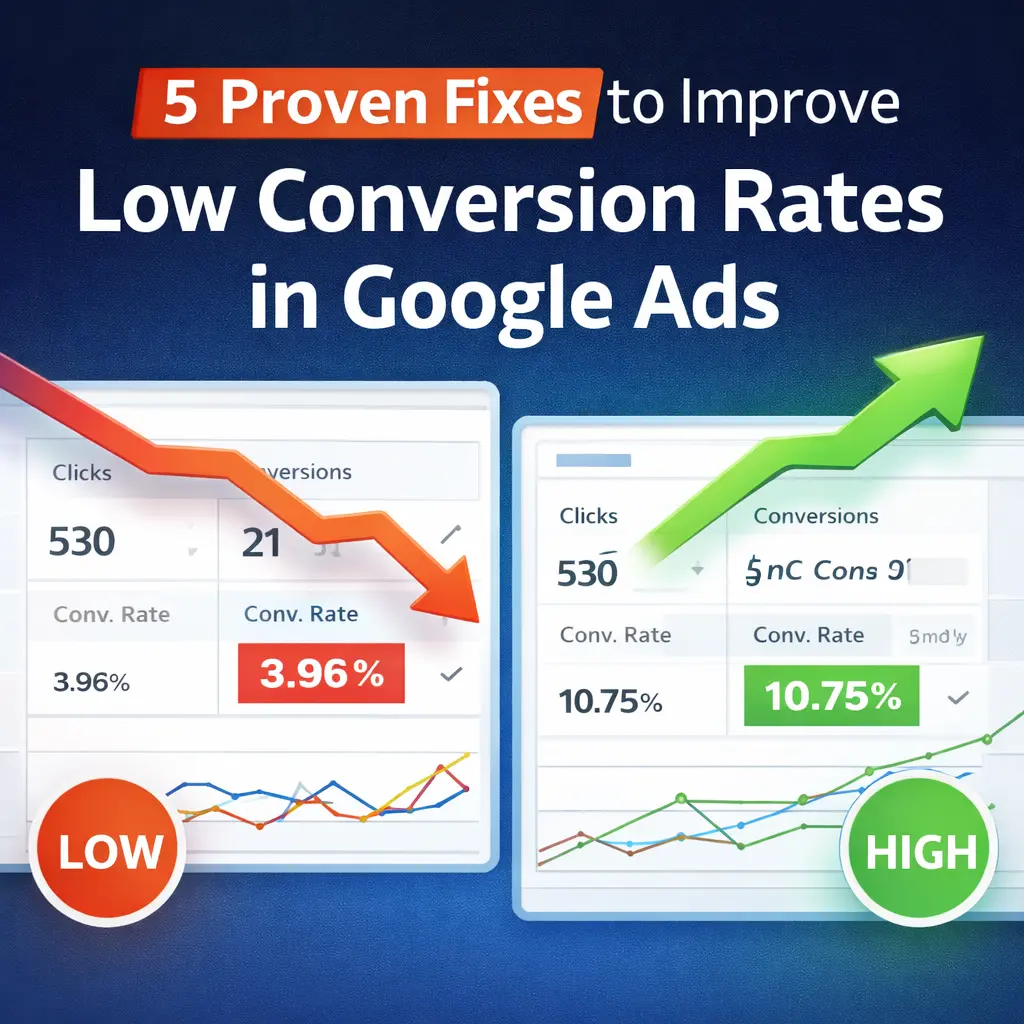
According to the latest industry benchmarks published by WordStream, the average Google Ads conversion rate across industries is around 6–7% on the Search Network. However, many businesses operate far below this benchmark — often stuck between 1–3%.
That gap represents lost revenue.
Another performance analysis by Google shows that improving landing page relevance and audience targeting can increase conversions by up to 30% without increasing ad spend.
Yet most advertisers focus only on:
- Increasing budget
- Adding more keywords
- Raising bids
Instead of fixing the real problem — Low Conversion Rates in Google Ads.
If you’re getting clicks but not leads or sales, the issue is not traffic. It’s optimization, intent alignment, and funnel strategy.
In this guide, we’ll break down 5 proven fixes that can dramatically improve campaign performance and help you understand the real increase conversion rate meaning in practical terms — turning existing traffic into measurable results.
What Is Conversion Rate in Google Ads and How Is It Calculated?
Before you can fix Low Conversion Rates in Google Ads, you must first understand what conversion rate actually means and why it is one of the most important metrics in paid advertising.
In simple terms, a conversion rate is the percentage of users who take a desired action after clicking your ad. That action — called a “conversion” — depends entirely on your business goal.
In Google Ads, conversions can include:
- Submitting a contact form
- Making a product purchase
- Booking a demo or consultation
- Calling your business
- Signing up for a newsletter
- Downloading a brochure or PDF
If people click your ad but do not complete the desired action, your campaign may be generating traffic — but not results. And traffic without results is just an expense.
This is where many advertisers get confused. They focus heavily on impressions, clicks, and even click-through rates (CTR), but the real performance indicator is conversion rate. Because clicks don’t generate revenue — conversions do.
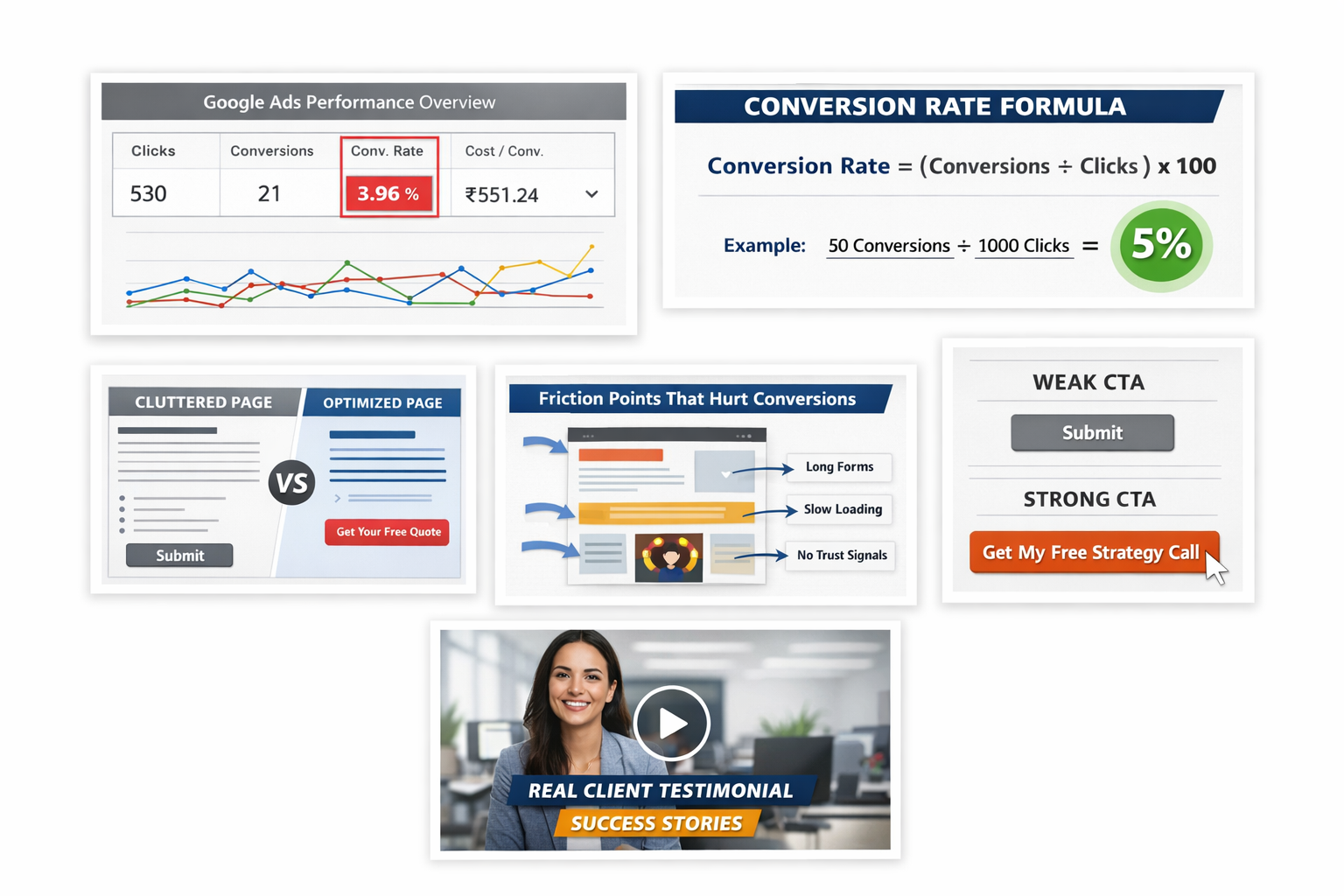
Conversion Rate = (Total Conversions ÷ Total Clicks) × 100
Let’s understand this with a clear example:
- Total Clicks: 800
- Total Conversions: 40
Conversion Rate = (40 ÷ 800) × 100
Conversion Rate = 5%
This means 5% of users who clicked your ad completed the desired action.
Inside Google Ads, this metric is automatically calculated and visible in the campaign dashboard under the “Conversions” and “Conv. rate” columns. However, knowing how it’s calculated helps you analyze performance more strategically.
5 Strategic Fixes to Improve Low Conversion Rates in Google Ads
If your campaigns are generating clicks but not conversions, you’re likely missing optimization opportunities that most advertisers overlook. Conversion rate isn’t just a number — it’s a signal of how well your offer, audience, messaging, and experience are aligned. Below are five essential fixes that directly address common blockers and help turn clicks into customers.
1. Optimize Your Unique Value Proposition (UVP)
Your Unique Value Proposition (UVP) is the foundation of all conversion-driving communication. It tells users why they should choose you instead of your competitors.
In a crowded search results page, users decide within seconds whether your service is relevant to them. If your landing page doesn’t immediately communicate a clear and compelling benefit, visitors have no reason to stay — let alone convert.
To strengthen your UVP:
- Focus on outcomes (“Generate qualified leads in 30 days”) instead of features (“We do PPC”)
- Highlight results, guarantees, or specific advantages
- Support claims with proof — testimonials, case studies, awards
A strong UVP not only improves conversions but also enhances the quality of your audience — by aligning expectations with your offering.
2. Use Clear, Action-Driven CTAs to Guide Visitors
Your call-to-action (CTA) should act like a signpost — showing users exactly what to do next.
Vague CTAs like “Submit” or “Click Here” leave room for hesitation. Instead, use action-oriented phrases that describe the next step and the benefit of taking it.
Examples of effective CTAs:
- “Get My Free Strategy Session”
- “Start My Campaign Audit”
- “Claim Your Exclusive Discount”
- “Download Your Conversion Guide”
Best practices:
- Make the CTA button visually distinct
- Place it strategically — above the fold and at logical stopping points
- Use urgency when appropriate (“Limited Spots Available”)
Clear CTAs reduce cognitive load and increase the likelihood that users follow through.
3. Identify and Eliminate Friction Points That Hurt Conversions
Friction refers to anything that makes converting harder — it slows users down or makes them question their decision.
Common friction points in Google Ads landing pages:
- Long or confusing forms
- Slow page load time
- Unclear pricing or offer details
- Too many choices (decision paralysis)
- Lack of trust indicators
To spot friction:
- Use heatmaps or session recordings to observe user behavior
- Break forms into essential vs non-essential fields
- Test page load times and remove heavy scripts
- Add trust elements such as reviews, security badges, and logos
Removing friction creates a smoother experience, which naturally increases conversion rates.
4. Capture Attention with High-Quality Visual Content
Humans process visuals faster than text, meaning your imagery plays a key role in reinforcing your message.
Effective visual content:
- Demonstrates product or service benefits
- Provides social proof (e.g., happy customer photos)
- Explains complex ideas quickly (videos or infographics)
- Keeps users engaged longer
Avoid generic stock photos that don’t relate to your audience or offer — they don’t build trust and often feel disconnected.
Instead:
- Use real images or professionally created visuals
- Include videos where relevant (e.g., explainer, demo, or testimonial videos)
- Optimize visuals for mobile to prevent slow loading
Rich visuals reduce bounce rate and help reinforce your messaging, boosting conversion likelihood.
5. Eliminate Distractions on Your Landing Page
A cluttered landing page is one of the biggest enemies of high conversion rates. When users don’t know where to look or what action to take, they leave.
Distractions include:
- Navigation menus that lead away from the offer
- Multiple competing CTAs
- Extra links to social media or unrelated content
- Animation or pop-ups appearing too early
To focus your visitors:
- Remove top navigation
- Keep the layout simple and aligned with the ad intent
- Include only one central CTA
- Use a consistent color hierarchy to draw attention
A focused page removes noise and directs users toward one clear action — conversion.
FAQ
What causes Low Conversion Rates in Google Ads?
Low Conversion Rates in Google Ads usually happen due to poor targeting, weak landing pages, unclear offers, slow website speed, or ineffective CTAs.
What is a good conversion rate in Google Ads?
A good conversion rate typically ranges between 3% to 7%, depending on industry and competition.
What does increase conversion rate meaning?
Increase conversion rate meaning refers to improving the percentage of visitors who take action without increasing traffic or ad spend.
How can I improve my Google Ads conversion rate?
You can improve it by optimizing your UVP, using strong CTAs, removing friction points, improving page speed, and reducing distractions.
How is conversion rate calculated?
Conversion Rate = (Conversions ÷ Clicks) × 100.
For example, 25 conversions from 500 clicks equals 5%.